AI support
Chatbot to Human Handoff: How to Build AI Customer Support That Knows When to Step Aside
The triggers, rules and context that turn an AI assistant from a wall between you and your customers into a fast first line with a person right behind it.
ReplyOnSite TeamPublished 11 min read
On this page
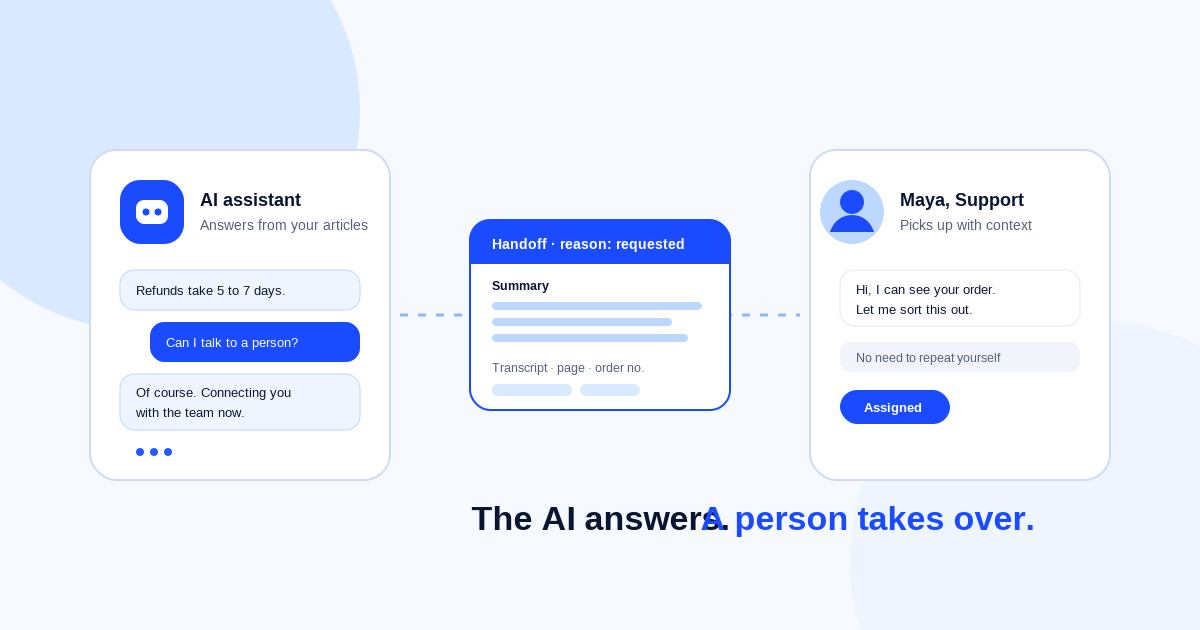
Most of what goes wrong with chatbots happens at one moment: when the bot cannot help and the customer needs a person. Done badly, the customer loops through the same three canned answers, types "HUMAN" in capitals, and leaves. Done well, they barely notice the switch. A teammate appears, already knows the question, and finishes the job.
This guide is about getting that moment right. It covers the triggers that should start a handoff, the difference between warm and cold transfers, the context an agent needs, what to do after hours, and the numbers that tell you whether it is working. We build ReplyOnSite's AI agent, so the setup section uses our product, but the principles apply to any tool.
Why handoff makes or breaks AI support#
In July 2024 Gartner published a survey of 5,728 customers in which 64% said they would prefer that companies did not use AI for customer service (opens in a new tab). The reason matters more than the headline: the top concern was that AI would make it harder to reach a person, ahead of worries about job losses and wrong answers. Gartner's advice in the same release was that AI chatbots should tell customers they will connect them to an agent when the AI cannot provide a solution, and then do it.
Read that way, the survey is not an argument against AI support. It is an argument against AI support that traps people. An assistant that answers the easy questions instantly and steps aside the moment it is out of its depth gives customers the speed they want without taking away the person they are afraid of losing.
That is why handoff is a design problem, not a setting. You have to decide in advance:
- which situations should never be handled by the bot at all,
- how the bot recognizes that it does not know the answer,
- what the customer sees while they wait,
- what the agent sees when they pick up, and
- what happens when there is nobody to pick up.
How a good handoff works#
A conversation with an AI assistant can end in one of three ways. The assistant finds the answer in your content and replies. It cannot, or the customer asks for a person, and the chat goes to an agent. Or it needs a person and nobody is online, so the question is captured for later. Tap through the scenarios:
Visitor asks
A question arrives from the widget or a messaging channel.
AI checks your knowledge base
Articles, uploaded PDFs and learned pages are searched for a grounded answer.
Answer found
The AI replies from your content. The reply is logged and tagged as AI.
Handed to a person
No answer, a handoff keyword or "talk to a human": the chat is queued for an agent with the transcript.
Nobody online
The visitor leaves an email or a ticket is created, so the question is answered later.
Every path ends in the same inbox, with the full transcript.
The important property is that there is no fourth path. No outcome leaves the customer talking to a bot that cannot help and cannot escalate. Here is what the second path looks like from the customer's side:
- Visitor: How do I export my invoices?
- AI assistant: Go to Billing, then Invoices, and choose Export CSV. (Source: Exporting invoices)
- Visitor: Thanks. Also, I was charged twice this month and I want a refund.
- AI assistant: I'm sorry about that. Billing disputes are handled by our team, so I'm connecting you with a person now.
- System: Handed to Sam · Billing · reason: requested
- Sam (Billing): Hi, I can see the two charges from the 3rd. I've started the refund for the duplicate.
Notice what the assistant did not do. It did not try to explain the refund policy, ask the customer to rephrase, or offer a link to a help article about billing. A duplicate charge is a human problem. Recognizing that fast is the whole skill.
The handoff triggers to use#
Write your triggers down before you switch the assistant on. Most teams need six, in three groups: hand off immediately, hand off after one honest attempt, and capture for later.
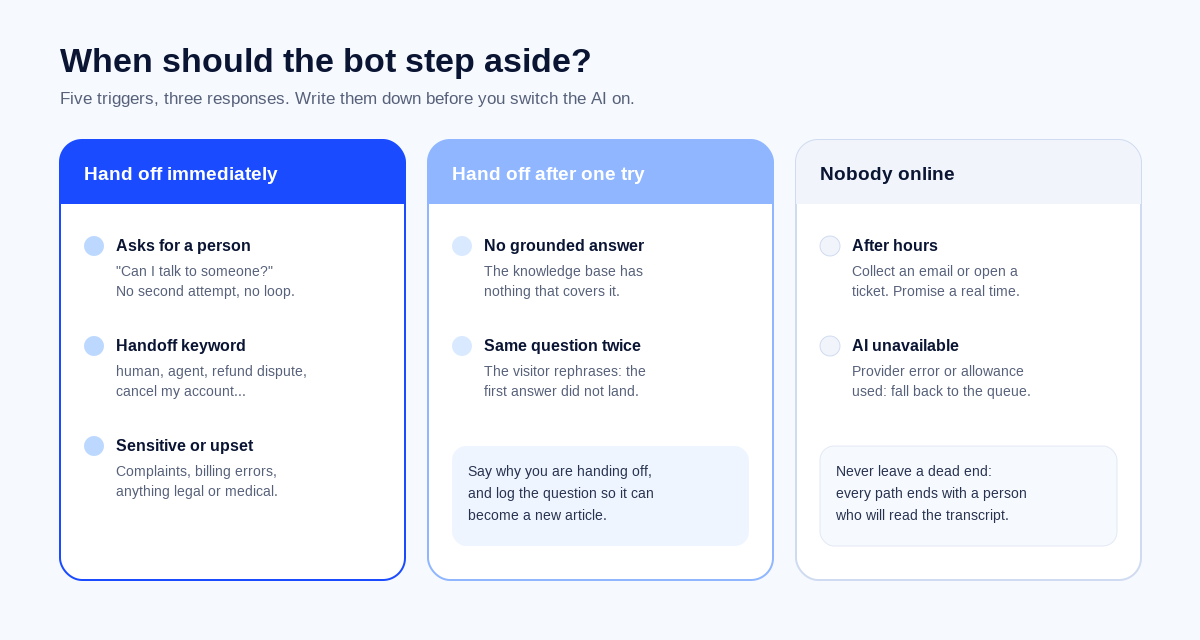
Here is the same list with an example and how each one maps to a setting:
| Trigger | Example | Right response | In ReplyOnSite |
|---|---|---|---|
| Customer asks for a person | "Can I talk to someone?" | Hand off now. No retry, no "are you sure?" | Handoff keywords (human, agent, person, representative by default), recognized in several languages |
| Sensitive topic | Refund dispute, cancellation, complaint | Hand off now, ideally to the right department | Add your own handoff keywords, or a chatbot flow button that assigns to a department |
| No grounded answer | A question your articles do not cover | Say so plainly, then hand off | Automatic: the assistant escalates instead of guessing and logs the question |
| Answer did not land | The visitor rephrases the same question | Offer a person instead of a third answer | A visible "Talk to a person" option in your flow, plus agents watching the inbox |
| Nobody online | Sunday, 11 p.m. | Collect an email or open a ticket, and set an honest expectation | Offline form (becomes a ticket), a flow ticket step, or the collect_email AI action |
| AI unavailable | Provider error or AI allowance used up | Fall back to the human queue silently | Automatic, with the reason recorded (provider error or quota) |
Explicit requests are not negotiable
When a customer asks for a person, the only correct answer is yes. Bots that respond with "I can help with that! What do you need?" are the reason people distrust chatbots. Keep the keyword list generous: "human", "agent", "person", "representative", "real person", "speak to someone", and the same words in the languages your customers use.
"I don't know" is a feature
An assistant that answers only from your published content needs a way to admit it has nothing. The worst failure mode of AI support is not a handoff; it is a confident answer that is wrong, such as an invented refund window or a feature you do not have. Grounding the assistant in your own articles, and escalating when nothing matches, is what makes the handoff rate a quality signal instead of a failure.
Sensitive topics skip the bot
Some conversations should go to a person even when the bot technically has an answer: disputes, cancellations, complaints, anything involving safety, health or legal exposure. Customers in those moments want to be heard, not processed. Handoff keywords catch the obvious ones; a menu button such as "Billing problem" that routes to a department catches the rest.
Warm vs cold handoff#
A warm handoff means the bot tells the customer what is happening, and the agent receives the conversation with its context before typing a word. A cold handoff moves the customer somewhere else, such as a queue, an email address or a phone number, without carrying anything over.
Warm handoff in a shared inbox
Pros
- The customer never repeats themselves
- The agent starts with the question, the page and the history
- The transcript keeps AI and human replies in one place for review
- It works the same way on web chat and messaging channels
Cons
- Someone has to be watching the queue, or alerted to it
- Agents need a habit of reading the summary before replying
For chat, warm is almost always right. Cold handoffs make sense only when a different channel is genuinely better, for example when a problem needs a screen share or a signed form. Even then, give the customer a reference and keep the transcript attached to the case.
What context to pass#
The point of a warm handoff is that the agent can act on the first reply. That requires more than the last message. Make sure the person picking up can see:
- The full transcript, including what the AI already told the customer, so the agent does not contradict it or repeat it.
- The reason for the handoff. "Customer asked" calls for a different opening than "the bot had no answer". ReplyOnSite records the reason on the conversation: requested, no answer, provider error or quota.
- A short summary for long conversations. ReplyOnSite can write a four-to-six line handoff summary from the inbox header, and it stays on the conversation.
- Who the customer is: name and email if known, the page they are on, their device and location, and previous conversations, all shown in the visitor profile beside the chat.
- Anything they already gave the bot, such as an order number or email captured by a flow question. Asking for it twice is the fastest way to make a handoff feel cold.
If your customers write in many languages, add one more: the translation. With automatic two-way translation on, an agent who works in English sees the visitor's messages translated, with the original a click away, and their reply reaches the visitor in the visitor's language.
The after-hours playbook#
Small teams are offline most hours of the week, and that is exactly when the AI does most of its work. It is also when the handoff has nowhere to go. Plan it explicitly:
- Let the AI keep answering. Questions your articles cover get answered at 3 a.m. the same as at noon. Many teams set the assistant to reply only when no agent is available.
- Turn the handoff into a ticket. When the assistant cannot help and nobody is online, capture the question with an email address. In ReplyOnSite the widget's offline form creates a ticket, a chatbot flow can include a create-ticket step, and the AI can use built-in actions to collect the customer's email or create a ticket from the conversation.
- Promise a real time. "We'll reply by 10 a.m. Eastern tomorrow" beats "We'll get back to you soon". Chatbot flows can branch on business hours, so the message matches reality.
- Follow up where they are. If the conversation started on WhatsApp or Messenger, reply there when you can. Note that Meta's messaging rules limit free-form replies to a window after the customer's last message; our WhatsApp chat guide explains the 24-hour window.
Setting it up in ReplyOnSite#
Here is the full configuration, in the order we recommend. Plan on an afternoon for the first pass.
1. Build the knowledge the AI answers from
Write articles for your top questions in the knowledge base. You can also upload PDF, DOCX, TXT or Markdown files; each section becomes a draft article for you to review before it goes live. Or let the assistant learn your website's pages and import them as drafts. The assistant is instructed to answer only from published articles.
2. Set the persona and the handoff rules
On the AI assistant page, choose the assistant's name, tone, reply length and delay. Then set the handoff keywords. The defaults are "human", "agent", "person" and "representative"; add your sensitive topics, such as "refund", "cancel" or "complaint". The stock handoff keywords are multilingual, so a visitor asking for a person in Spanish or French is recognized too, and you can rewrite the message the bot sends when it hands off.
3. Decide when the AI replies
Choose whether the assistant answers only when no agent is available or always replies first. Teams with someone on chat all day often start with "only when away" and widen it once they trust the answers. You can stop the assistant for a site instantly from the panel.
4. Add a chatbot flow for routing
The visual flow builder lets you greet visitors with buttons such as "Order status", "Billing" and "Talk to a person". Each path can ask a question, check a condition such as business hours or language, hand the conversation to the AI, assign it to a department or a specific agent, tag it, or create a ticket. Four starter templates, including support triage and after-hours, give you a working flow to edit.
5. Make sure a person notices
A handoff only works if someone sees it. Agents can get push notifications from the installable workspace app, and admins can send alerts to Slack, Telegram or Discord per website, for events such as a new chat, a missed chat or an SLA breach. With Telegram, agents can even reply to a chat notice from Telegram itself.
6. Close the loop every week
Questions the assistant handed off for lack of an answer are listed on the AI assistant page, ranked by how often they come up. Turning one into a draft article takes one click. This is the habit that makes the assistant better each week instead of staying where you left it.
For the install itself, see how to add live chat to your website and the install guide. The full feature list is on the product page.
Metrics to watch#
You cannot tune what you do not measure, and the single handoff rate most dashboards show hides the useful part. Watch these instead:
- Handoff rate by reason. Handoffs because the customer asked are healthy and expected. Handoffs because the bot had no answer are a content gap. Handoffs because of provider errors or a used-up allowance are an operations problem. ReplyOnSite's AI report breaks handoffs down by these reasons.
- AI resolution rate. The share of conversations the assistant closed without a person. Watch the trend, not the absolute number; it should rise as your knowledge base grows.
- Unanswered question trend. If the same questions keep appearing, write the articles. If the trend falls, the loop is working.
- Satisfaction for AI vs human chats. The AI report compares CSAT ratings for conversations the assistant handled with those people handled. A large gap tells you where the assistant is overreaching.
- Time to first human reply after a handoff. A fast handoff into a slow queue is still a slow experience. If this number climbs, look at notifications and staffing before blaming the bot.
Our comparison of AI chatbots and live chat goes deeper into which questions belong to each.
Common mistakes to avoid#
- Hiding the human option. If customers have to fight the bot to reach you, they will remember the fight, not the answer.
- Letting the bot improvise. An assistant that fills gaps with general knowledge will eventually state a policy you do not have. Ground it in your content and let it say "I don't know".
- Handing off into silence. A handoff with nobody watching is worse than no bot. Alerts, an offline form and honest wait times fix it.
- Making the customer repeat themselves. If the agent's first message is "How can I help?", the handoff was cold, whatever the software calls it.
- Never revisiting the rules. Review handoff reasons and unanswered questions weekly for the first month, then monthly.
Good handoff design is what lets a small team offer instant answers around the clock without pretending to be bigger than it is. The bot handles the repeat questions; people handle the ones that matter most.
Frequently asked questions
What is chatbot to human handoff?
It is the moment an automated assistant stops answering and passes the conversation to a person, ideally with the transcript and a short summary attached so the customer does not have to repeat themselves.
When should a chatbot hand off to a human?
Immediately when the customer asks for a person or uses a handoff keyword, when the topic is sensitive such as a billing dispute or complaint, and after one attempt when the bot has no grounded answer in your knowledge base. Outside business hours, the handoff should become a ticket or an email follow-up.
What is the difference between a warm and a cold handoff?
In a warm handoff the bot tells the customer it is connecting them, and the agent receives the full transcript and context before replying. In a cold handoff the customer is simply moved to a queue or another channel and has to explain everything again. Warm handoffs are almost always better for chat.
Do customers want to talk to AI or to a human?
Both, depending on the question. In a Gartner survey published in July 2024, 64% of customers said they would prefer companies did not use AI in customer service, and the top concern was that AI would make it harder to reach a person. A visible, fast route to a human addresses that concern directly.
What is a good chatbot handoff rate?
There is no universal benchmark, because it depends on how complete your knowledge base is and how complex your product is. Track the rate by reason instead: handoffs because the customer asked are healthy, while handoffs because the bot had no answer show you which articles to write next.
How do I stop the bot from answering when my team is online?
Most tools let you choose when the assistant replies. In ReplyOnSite you can have the AI answer only when no agent is available, or always reply first, and you can turn the assistant off for a site at any time.
Can the handoff work on WhatsApp and other messaging channels?
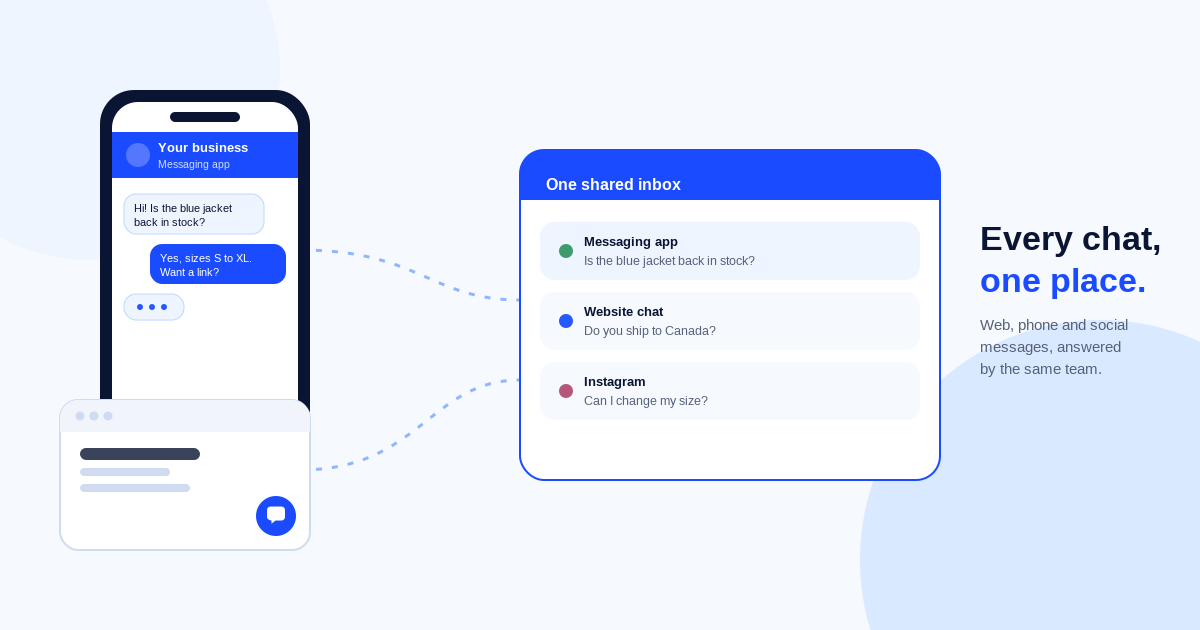
Yes, if your tool brings those channels into the same inbox. In ReplyOnSite, chats from WhatsApp, Messenger, Instagram and Telegram go through the same AI assistant and handoff rules as website chats, and chatbot flow buttons appear as numbered options on text-only channels.
ReplyOnSite
Answer every visitor. Hand the hard ones to a person.
Live chat, an AI assistant grounded in your own content, and WhatsApp, Messenger, Instagram and Telegram in one inbox. The Free plan needs no card.
Keep reading
AI support
AI Chatbot vs Live Chat: Which Does Your Small Business Need?
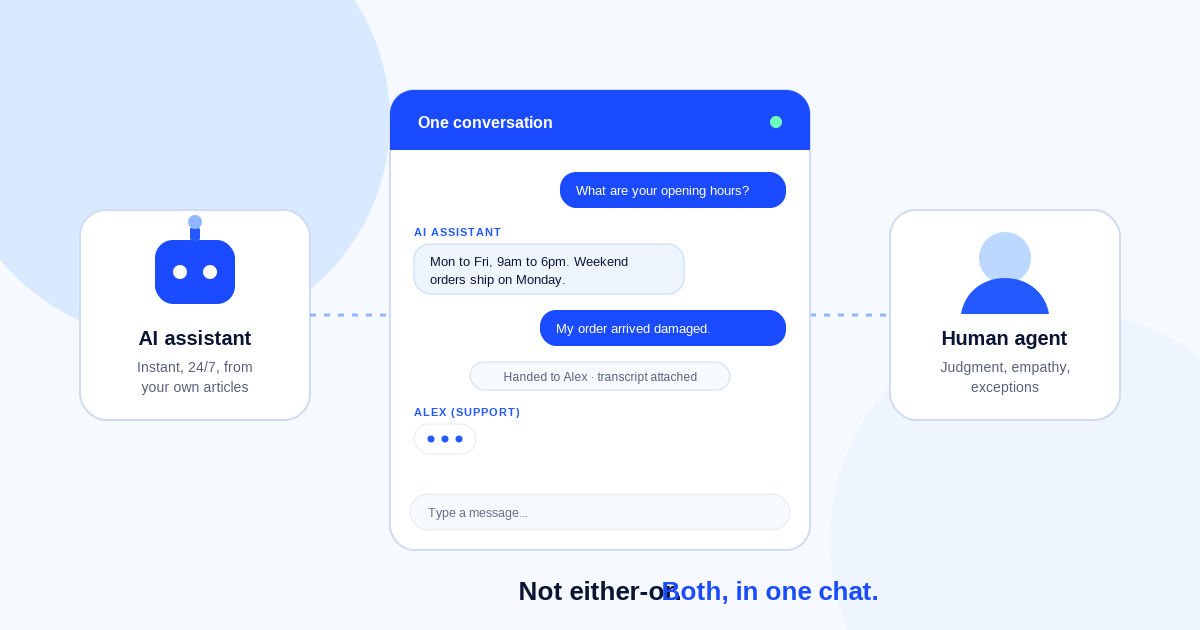
Bots are fast and tireless, people are trusted and flexible. A practical framework for deciding which questions go to which, and how to combine them.
10 min read
Guides
How to Add Live Chat to Your Website: A Step-by-Step Guide for 2026
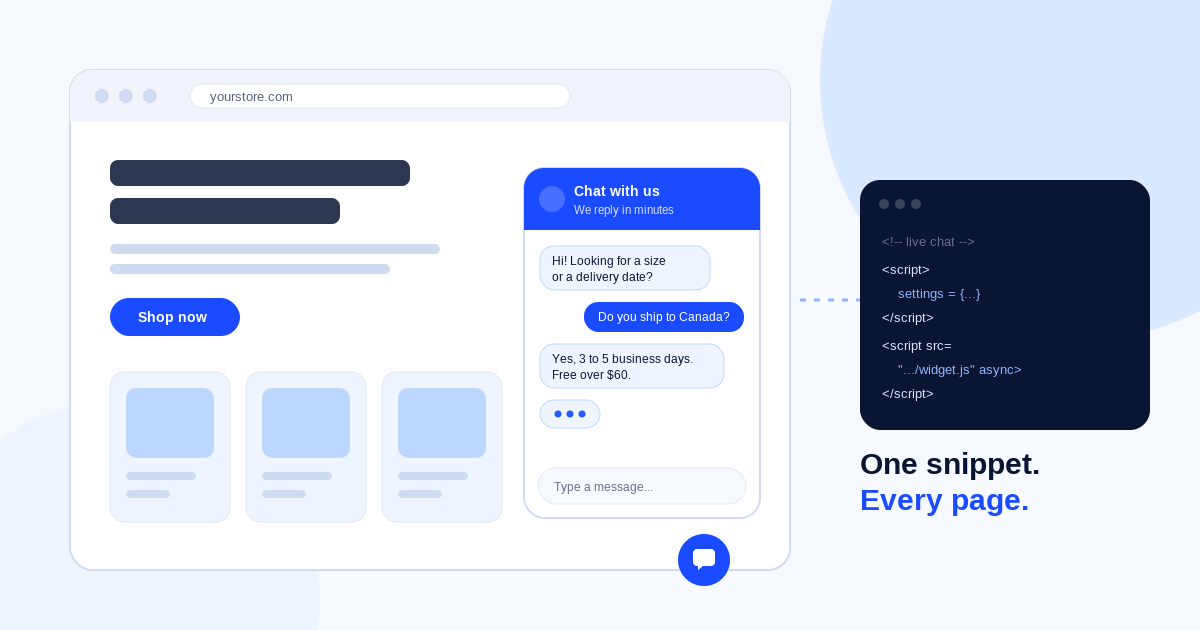
One script tag, the exact place to paste it on every major platform, and the settings to get right before your first visitor says hello.
11 min read
Channels
WhatsApp Chat for Your Website: Links, Buttons and a Shared Inbox Compared
A wa.me link takes five minutes. A shared team inbox takes an afternoon. Here is what each level really gives you, and when the extra setup is worth it.
10 min read